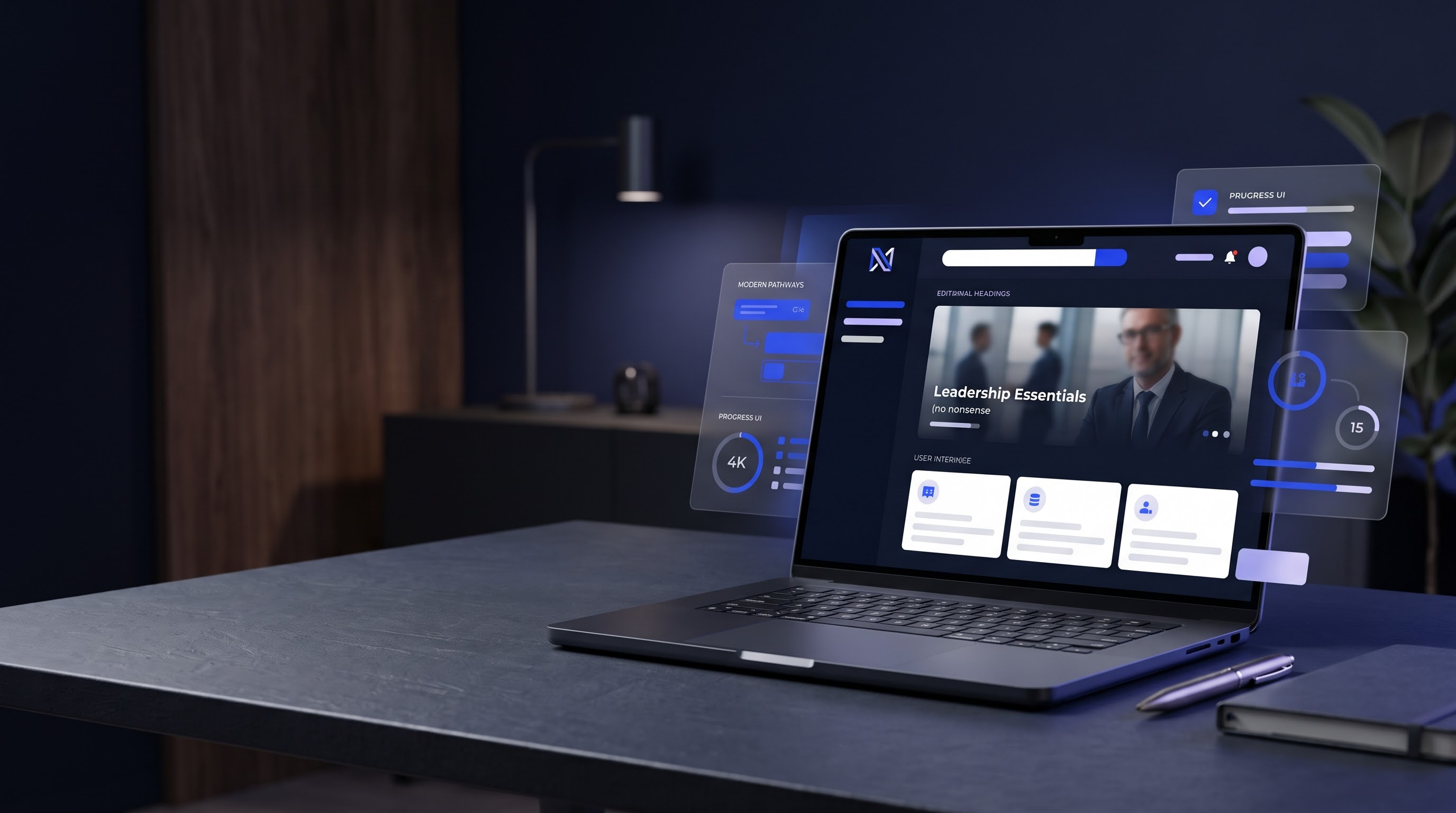
A living creative resource / Edition 01

Design is
a language.
Learn to speak it.

A curated working library of color systems, website layouts, typography and interface details. Explore a direction, see it in context, and build with more confidence.

01 / Color intelligence

The color library.

Thirty original curated combinations. Select a palette to copy its values and instantly apply it to the live website example below.

30 palettes
Independent strategy studio

Ideas shaped
for what’s next.

Considered strategy. Clear direction. A more intentional way to grow.

Architectural facade used in a sample brand preview
01 / Perspective
02 / Partnership
03 / Progress
02 / Layout explorations

Website layout studio.

Explore original page structures and understand how hierarchy, spacing and visual direction change the experience.

Visual reference from the original Layout 001 workbench
Interactive workbench / Layout 001

Editorial Impact

The original interactive layout exploration, now available inside the same Design Lab site. Includes desktop and mobile controls.

Open Layout 001
Layout 002 / Concept direction

Quiet Authority

Airy editorial composition, restrained palette and carefully paced storytelling.

Open Layout 002
Layout 005 / New · Interactive

The Statement

Cinematic full-bleed speaker and author experience. Original identity, face-safe hero overlays, mobile composition and motion preview.

Open Layout 005
Layout 003 / Concept direction

Bold Perspective

Expressive type, layered compositions and visual storytelling for creative brands.

In development
03 / Typography

Type makes the tone.

Compare two practical type directions. The best pairing supports the brand’s message and the reader’s experience.

Editorial serif / Georgia
Make room for meaning.

Considered, warm, literary. Useful for premium advisory, hospitality and purpose-driven brands.

Contemporary sans / System sans
Make room for meaning.

Direct, confident, modern. Useful for digital products, professional services and bold campaigns.

04 / Interface elements

The small things matter.

Button shapes, information cards and form treatments create consistency. All sample buttons follow the Davis Insight rule: no decorative trailing arrows.

Calls to action

One strong primary action, clear wording, generous touch target.

Secondary actions

Outline styling keeps supporting actions visible without competing.

Input treatment

Simple readable fields with visible keyboard focus.

05 / Design thinking

From inspiration to execution.

Step 01

Choose the feeling.

Start with what the audience should feel, not just what colors look attractive. Define three brand adjectives.

Step 02

Assign color roles.

Use a primary, secondary, surface and accent color. Check contrast before using them for small text.

Step 03

Test in context.

Apply the palette to a real layout. Review mobile hierarchy, readability, calls to action and accessibility.

03 / Motion explorations

Animation Studio.

Study staggered entrances, image reveals, and hover interactions on a real responsive layout. Respectful of reduced-motion settings.

Open Animation Studio